Blog
Why Modern Campuses Need a Print System, Not Just More Printers
Key Takeaways
● Adding more printers does not solve campus printing problems — it often spreads them.
● Students still end up searching print out near me when systems feel unreliable.
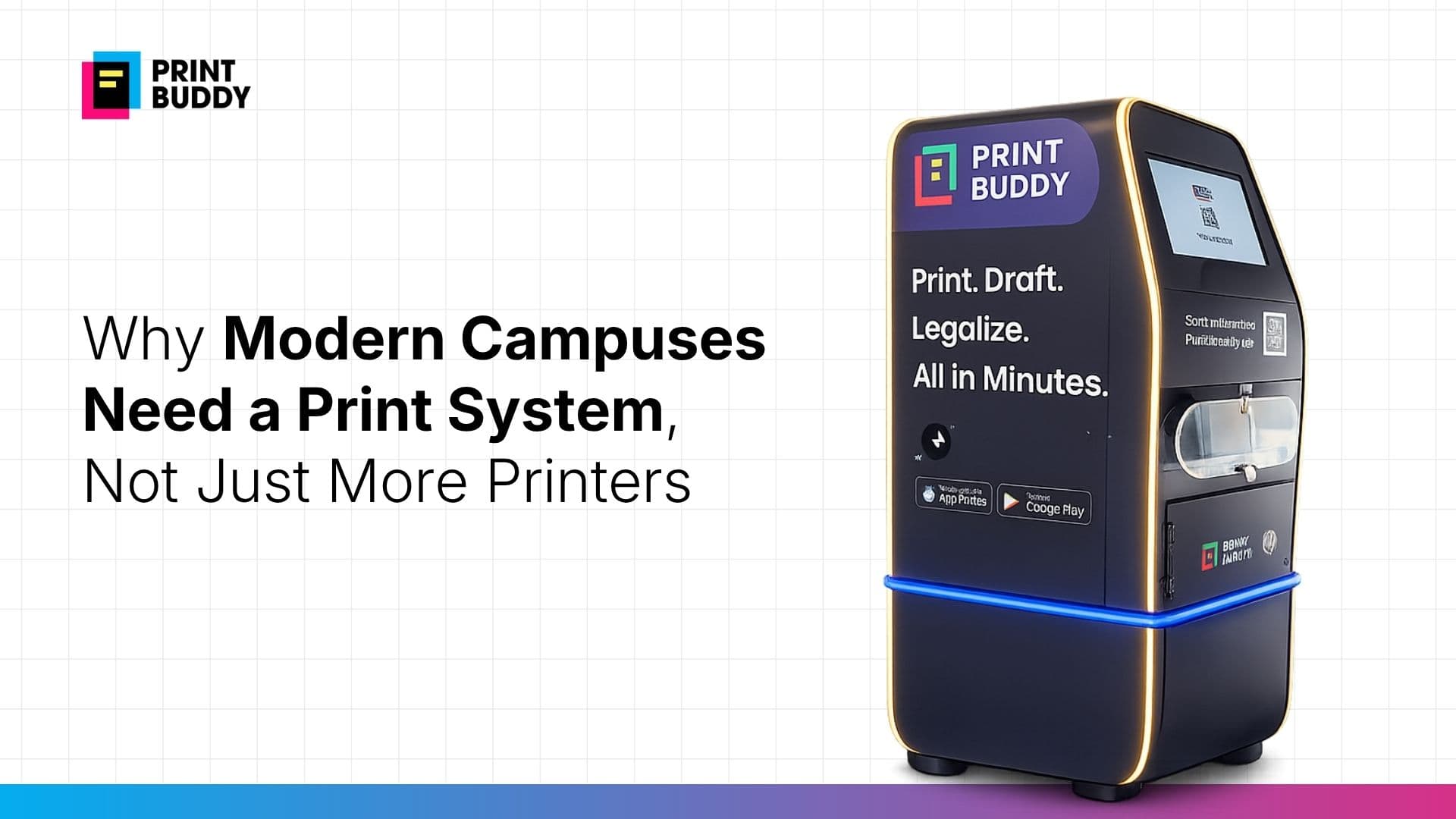
● A print kiosk or self service printing kiosk creates a structured, repeatable workflow.
● Pay and print and print with mobile bring control, visibility, and consistency.
● The real need is a system, not just hardware. More printers don’t fix broken workflows When campuses face printing issues, the most common response is simple: add more printers. At first glance, it makes sense. If there are queues, increase capacity. If machines are busy, distribute the load. But in practice, this rarely solves the core problem. Students may have more printers around them, but the experience still feels fragmented. They still check which machine is working, which one has paper, or which location has the shortest queue. And when things don’t work as expected, they fall back to searching print out near me or heading to nearby print shops. The issue was never just the number of printers. What actually goes wrong with printer-heavy setups Adding printers without a system often creates a scattered environment. You end up with:
● multiple machines with no unified workflow
● inconsistent access across locations
● unclear instructions for usage
● different payment methods or manual handling
● no visibility into usage or downtime Each printer becomes its own small system. And for students, that means starting from scratch every time they want to print. The difference between access and experience Most campuses already have printing access. But access alone does not guarantee a good experience. A student might have a printer nearby and still feel unsure about:
● how to send the file
● whether the format will work
● how to complete payment
● how long the process will take That uncertainty is what leads them to search print online near me, print out shop, or even instant print kiosk near me — not because campus lacks printers, but because it lacks predictability. Why systems scale better than machines Printers solve for output. Systems solve for flow. A structured print system connects everything that happens before and after printing:
● file submission
● validation
● print configuration
● payment
● execution Without this, each printer is just an endpoint with no coordination. With a system, the experience becomes consistent regardless of where the student prints. That is where concepts like printing kiosk, document printing kiosk, and self service print kiosk come in. They are not just devices — they are part of a connected workflow. What a system-driven experience looks like Instead of navigating multiple steps manually, the student follows a clear path:
● upload a document using print with mobile or print by mobile
● select print preferences
● complete pay and print
● collect output from a self service printing kiosk The process is the same every time. There is no need to figure things out again. Why this matters during peak demand The difference between printers and systems becomes most visible during deadlines. When demand increases:
● queues grow faster around unmanaged printers
● staff-dependent processes slow everything down
● small issues create larger delays
● students begin looking for backup options That is when searches like instant print kiosk, online print near me, or visits to nearby print shops increase. A system handles this differently. It distributes demand more efficiently, reduces dependency on manual coordination, and ensures that the process remains consistent even under pressure. From scattered devices to structured infrastructure A campus with many printers can still feel disorganised. A campus with a structured print system feels predictable. That is the shift:
● from isolated printers → connected workflows
● from manual handling → digital processes
● from uncertainty → repeatability A smart print kiosk or self printing kiosk works because it is part of that structure, not separate from it. The real upgrade campuses need It is easy to think of printing as a hardware problem. But most of the friction students experience comes from everything around the printer. Fixing printing means fixing:
● how files move
● how payments happen
● how access is controlled
● how output is managed Once that system is in place, the number of printers becomes secondary. Without it, even more printers will not remove the friction. Tags print kiosk printing kiosk printer kiosk document printing kiosk self service printing kiosk self service print kiosk self printing kiosk smart print kiosk pay and print
● Adding more printers does not solve campus printing problems — it often spreads them.
● Students still end up searching print out near me when systems feel unreliable.
● A print kiosk or self service printing kiosk creates a structured, repeatable workflow.
● Pay and print and print with mobile bring control, visibility, and consistency.
● The real need is a system, not just hardware. More printers don’t fix broken workflows When campuses face printing issues, the most common response is simple: add more printers. At first glance, it makes sense. If there are queues, increase capacity. If machines are busy, distribute the load. But in practice, this rarely solves the core problem. Students may have more printers around them, but the experience still feels fragmented. They still check which machine is working, which one has paper, or which location has the shortest queue. And when things don’t work as expected, they fall back to searching print out near me or heading to nearby print shops. The issue was never just the number of printers. What actually goes wrong with printer-heavy setups Adding printers without a system often creates a scattered environment. You end up with:
● multiple machines with no unified workflow
● inconsistent access across locations
● unclear instructions for usage
● different payment methods or manual handling
● no visibility into usage or downtime Each printer becomes its own small system. And for students, that means starting from scratch every time they want to print. The difference between access and experience Most campuses already have printing access. But access alone does not guarantee a good experience. A student might have a printer nearby and still feel unsure about:
● how to send the file
● whether the format will work
● how to complete payment
● how long the process will take That uncertainty is what leads them to search print online near me, print out shop, or even instant print kiosk near me — not because campus lacks printers, but because it lacks predictability. Why systems scale better than machines Printers solve for output. Systems solve for flow. A structured print system connects everything that happens before and after printing:
● file submission
● validation
● print configuration
● payment
● execution Without this, each printer is just an endpoint with no coordination. With a system, the experience becomes consistent regardless of where the student prints. That is where concepts like printing kiosk, document printing kiosk, and self service print kiosk come in. They are not just devices — they are part of a connected workflow. What a system-driven experience looks like Instead of navigating multiple steps manually, the student follows a clear path:
● upload a document using print with mobile or print by mobile
● select print preferences
● complete pay and print
● collect output from a self service printing kiosk The process is the same every time. There is no need to figure things out again. Why this matters during peak demand The difference between printers and systems becomes most visible during deadlines. When demand increases:
● queues grow faster around unmanaged printers
● staff-dependent processes slow everything down
● small issues create larger delays
● students begin looking for backup options That is when searches like instant print kiosk, online print near me, or visits to nearby print shops increase. A system handles this differently. It distributes demand more efficiently, reduces dependency on manual coordination, and ensures that the process remains consistent even under pressure. From scattered devices to structured infrastructure A campus with many printers can still feel disorganised. A campus with a structured print system feels predictable. That is the shift:
● from isolated printers → connected workflows
● from manual handling → digital processes
● from uncertainty → repeatability A smart print kiosk or self printing kiosk works because it is part of that structure, not separate from it. The real upgrade campuses need It is easy to think of printing as a hardware problem. But most of the friction students experience comes from everything around the printer. Fixing printing means fixing:
● how files move
● how payments happen
● how access is controlled
● how output is managed Once that system is in place, the number of printers becomes secondary. Without it, even more printers will not remove the friction. Tags print kiosk printing kiosk printer kiosk document printing kiosk self service printing kiosk self service print kiosk self printing kiosk smart print kiosk pay and print