Blog
Distributed Printing Beats Single-Counter Support on Campus
Key Takeaways
● Single-counter printing creates pressure because too much demand gets pushed into one place.
● Distributed printing works better because it matches how students actually move across campus.
● A self service printing kiosk reduces queue dependency and makes access feel more predictable.
● Pay and print and print with mobile make distributed systems easier to use at scale.
● The goal is not just having printing on campus, but having it available where the need actually happens. One counter is easy to manage, but hard to rely on A lot of campuses still treat printing like a centralised service. There is one main counter, one library desk, or one known place students go when they need something printed. On paper, that can look efficient. It feels easier to supervise, easier to understand, and easier to control. But from the student side, it usually feels very different. The moment demand rises, the weakness becomes obvious. One location starts carrying the load for too many people, and printing stops feeling simple. That is exactly why campuses see long queues during peak cycles, informal document sharing, and student complaints when printing stays concentrated instead of structured across campus. The problem with single-counter support Single-counter support does not usually fail because the people managing it are doing something wrong. It fails because the model itself creates bottlenecks. When one point is expected to handle everyone, students end up dealing with:
● longer queues during submission windows
● uncertainty around how long printing will take
● dependency on staff availability
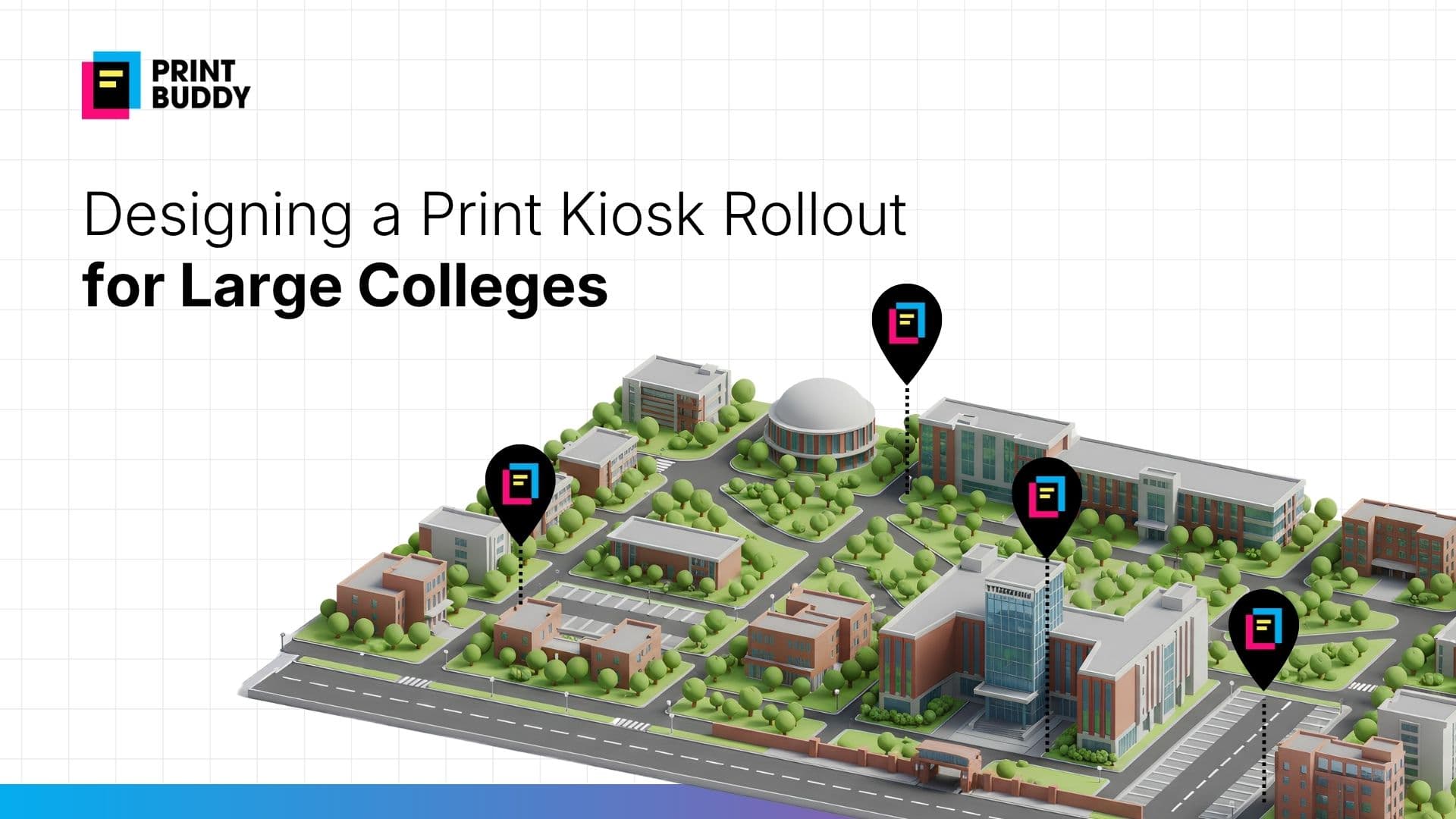
● more pressure when even one issue slows the system down That pressure gets worse when printing is tied to real academic urgency. Students are not printing for leisure. They are printing assignments, forms, project documents, and last-minute submissions. When access is concentrated in one place, the entire experience starts to feel fragile. Students do not move like a centralised system assumes This is the part campuses often underestimate. Students do not live their day in one building. They move between academic blocks, libraries, hostels, study areas, and administrative spaces. Printing demand appears wherever work is being done, not just where a counter happens to exist. That is why distributed printing works better. Instead of asking students to adjust around one service point, it brings the service closer to the point of need. That logic is built into the platform’s multi-location approach, where additional kiosks can be added as demand grows and the same operational structure applies across locations. Distributed printing feels more natural on campus A distributed setup does not just reduce walking distance. It changes the psychology of access. Students feel more confident when they know printing is available nearby, rather than hoping one busy counter will clear in time. It removes the “everything depends on this one place” feeling. In practice, distributed printing means:
● access across more than one student zone
● fewer queue pileups at a single point
● less disruption when one location is busy
● easier alignment with actual campus movement That is also why poor placement and under-planned rollouts reduce adoption. If printing is not spread logically across demand zones, kiosks become underused in one area and overloaded in another. Why kiosks make distributed printing work A distributed model only works if each location feels easy to use on its own. That is where a print kiosk, document printing kiosk, or self service print kiosk becomes important. The point is not just to place a machine in more locations. The point is to make each node usable without creating new staff dependency. The operating flow matters here:
● upload document
● select specifications
● pay digitally
● collect prints That simple sequence is what allows self-serve usage to scale across campus. The university deck positions the kiosk as fully automated, cashless, and designed for day-to-day student usage, while the knowledge base frames it as a controlled endpoint tied to digital submission and payment workflows. Why distributed beats centralised during peak hours The biggest advantage of distributed printing shows up when demand spikes. Single-counter systems tend to break down during deadlines because the same place is expected to absorb every urgent job. Distributed printing spreads that load more naturally. It also works better because students can complete more of the process before reaching the kiosk:
● use print with mobile
● complete pay and print
● arrive only for collection That reduces time at the kiosk and helps the overall system move faster. It is especially useful when campuses face high concurrency, deadline surges, and queue frustration during exam and submission periods. The real shift is from support point to campus network A single counter is a support model. Distributed printing is an infrastructure model. That difference matters. One asks students to come to the service. The other places the service into campus life itself. And once that happens, behaviour changes. Students stop treating printing like a separate errand. They stop depending on nearby print shops or searching print out near me when something feels urgent. Instead, printing becomes something the campus already supports, quietly and reliably. That is exactly the institutional shift described in the materials: from fragmented, vendor-dependent workflows to structured, standardised campus-wide printing with centralised monitoring and cleaner operational control. Tags self service printing kiosk print kiosk document printing kiosk self service print kiosk smart print kiosk pay and print print with mobile instant print kiosk print out near me print shops online print near me
● Single-counter printing creates pressure because too much demand gets pushed into one place.
● Distributed printing works better because it matches how students actually move across campus.
● A self service printing kiosk reduces queue dependency and makes access feel more predictable.
● Pay and print and print with mobile make distributed systems easier to use at scale.
● The goal is not just having printing on campus, but having it available where the need actually happens. One counter is easy to manage, but hard to rely on A lot of campuses still treat printing like a centralised service. There is one main counter, one library desk, or one known place students go when they need something printed. On paper, that can look efficient. It feels easier to supervise, easier to understand, and easier to control. But from the student side, it usually feels very different. The moment demand rises, the weakness becomes obvious. One location starts carrying the load for too many people, and printing stops feeling simple. That is exactly why campuses see long queues during peak cycles, informal document sharing, and student complaints when printing stays concentrated instead of structured across campus. The problem with single-counter support Single-counter support does not usually fail because the people managing it are doing something wrong. It fails because the model itself creates bottlenecks. When one point is expected to handle everyone, students end up dealing with:
● longer queues during submission windows
● uncertainty around how long printing will take
● dependency on staff availability
● more pressure when even one issue slows the system down That pressure gets worse when printing is tied to real academic urgency. Students are not printing for leisure. They are printing assignments, forms, project documents, and last-minute submissions. When access is concentrated in one place, the entire experience starts to feel fragile. Students do not move like a centralised system assumes This is the part campuses often underestimate. Students do not live their day in one building. They move between academic blocks, libraries, hostels, study areas, and administrative spaces. Printing demand appears wherever work is being done, not just where a counter happens to exist. That is why distributed printing works better. Instead of asking students to adjust around one service point, it brings the service closer to the point of need. That logic is built into the platform’s multi-location approach, where additional kiosks can be added as demand grows and the same operational structure applies across locations. Distributed printing feels more natural on campus A distributed setup does not just reduce walking distance. It changes the psychology of access. Students feel more confident when they know printing is available nearby, rather than hoping one busy counter will clear in time. It removes the “everything depends on this one place” feeling. In practice, distributed printing means:
● access across more than one student zone
● fewer queue pileups at a single point
● less disruption when one location is busy
● easier alignment with actual campus movement That is also why poor placement and under-planned rollouts reduce adoption. If printing is not spread logically across demand zones, kiosks become underused in one area and overloaded in another. Why kiosks make distributed printing work A distributed model only works if each location feels easy to use on its own. That is where a print kiosk, document printing kiosk, or self service print kiosk becomes important. The point is not just to place a machine in more locations. The point is to make each node usable without creating new staff dependency. The operating flow matters here:
● upload document
● select specifications
● pay digitally
● collect prints That simple sequence is what allows self-serve usage to scale across campus. The university deck positions the kiosk as fully automated, cashless, and designed for day-to-day student usage, while the knowledge base frames it as a controlled endpoint tied to digital submission and payment workflows. Why distributed beats centralised during peak hours The biggest advantage of distributed printing shows up when demand spikes. Single-counter systems tend to break down during deadlines because the same place is expected to absorb every urgent job. Distributed printing spreads that load more naturally. It also works better because students can complete more of the process before reaching the kiosk:
● use print with mobile
● complete pay and print
● arrive only for collection That reduces time at the kiosk and helps the overall system move faster. It is especially useful when campuses face high concurrency, deadline surges, and queue frustration during exam and submission periods. The real shift is from support point to campus network A single counter is a support model. Distributed printing is an infrastructure model. That difference matters. One asks students to come to the service. The other places the service into campus life itself. And once that happens, behaviour changes. Students stop treating printing like a separate errand. They stop depending on nearby print shops or searching print out near me when something feels urgent. Instead, printing becomes something the campus already supports, quietly and reliably. That is exactly the institutional shift described in the materials: from fragmented, vendor-dependent workflows to structured, standardised campus-wide printing with centralised monitoring and cleaner operational control. Tags self service printing kiosk print kiosk document printing kiosk self service print kiosk smart print kiosk pay and print print with mobile instant print kiosk print out near me print shops online print near me