Blog
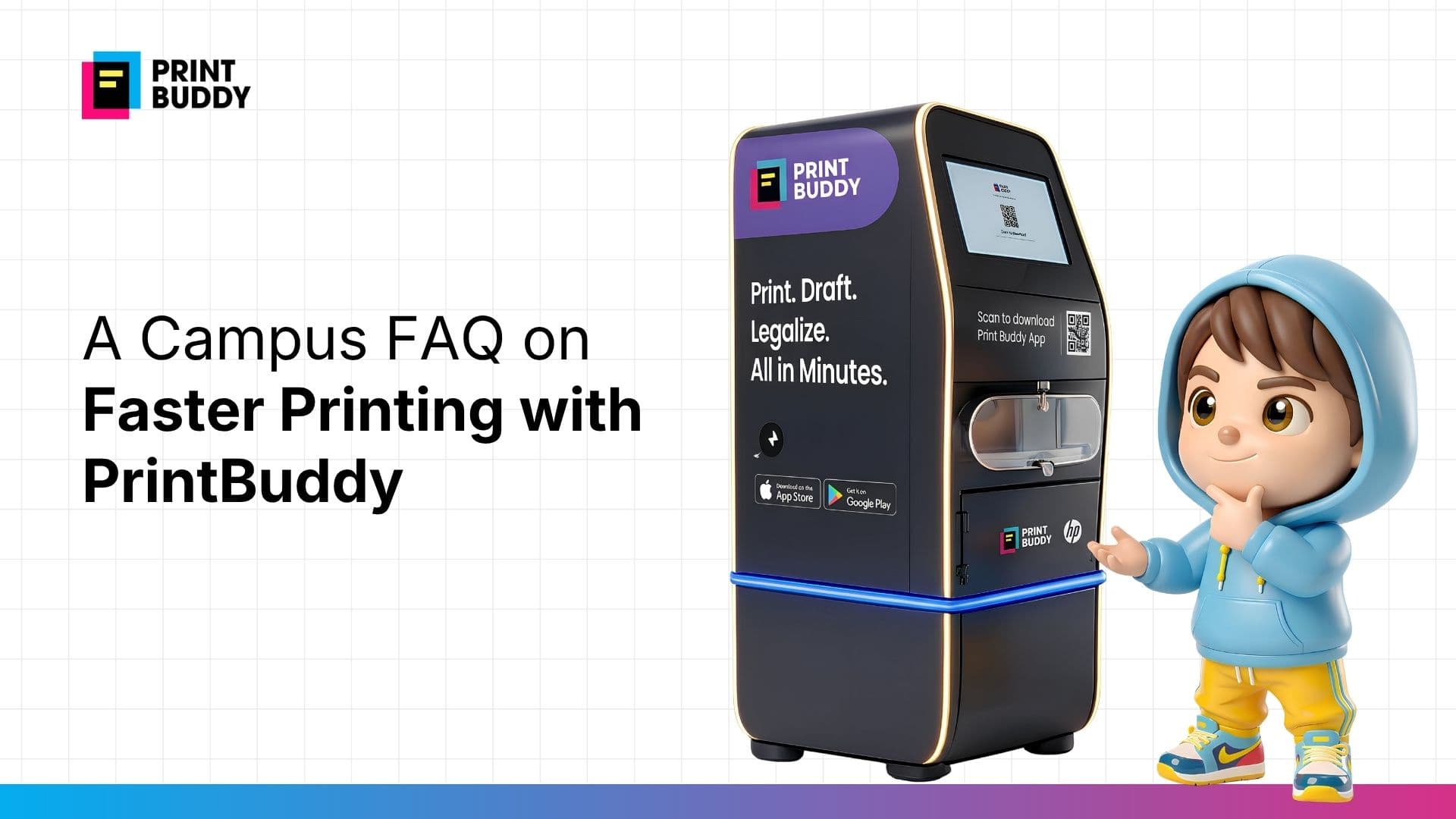
A Campus FAQ on Faster Printing with PrintBuddy
Key Takeaways
● Faster printing is less about speed of machines and more about workflow design.
● Students experience delays when processes are fragmented, not just when printers are slow.
● PrintBuddy improves speed by reducing steps and starting the process on mobile.
● A self service printing kiosk keeps interactions short and consistent.
● The goal is to make printing feel immediate and predictable across campus. Q) Why does campus printing feel slow even when printers are available? Printing often feels slow not because machines are slow, but because the process around them is broken into too many steps. Students usually deal with file transfers, unclear instructions, separate payment steps, and queues. Each of these adds small delays, and together they make the experience feel longer than it actually is. That is also why students sometimes search print out near me or even online print near me. They are not always looking for a better printer. They are looking for a smoother process. Q) What actually makes printing “faster” on campus? Faster printing is really about reducing friction. A system feels fast when:
● the student can start immediately
● the steps are clear
● the process does not restart at the kiosk
● the output follows quickly In other words, speed comes from continuity. When the workflow is connected, printing feels quicker even if the printer itself hasn’t changed. Q) How does PrintBuddy improve printing speed? PrintBuddy improves speed by shifting most of the process away from the machine. Instead of starting everything at the printer, students begin earlier using print with mobile or print by mobile. They upload the file, select preferences, and complete pay and print before reaching the kiosk. By the time they arrive, the final step is execution. This reduces time at the machine and keeps queues moving. Q) Do students still need to wait in line? Queues are not completely eliminated, but they behave very differently. Because most steps are completed in advance, each interaction at a self service printing kiosk is shorter. Students are not standing at the machine figuring things out. They are simply collecting output. That leads to:
● faster movement through the queue
● less congestion during peak hours
● more predictable wait times Q) What is the role of a print kiosk in this system? A print kiosk or document printing kiosk acts as the execution point, not the starting point. In traditional setups, the kiosk handles everything — file selection, settings, payment, and printing. In a structured system, most of that happens beforehand. A self service print kiosk works best when:
● the file is already uploaded
● preferences are already selected
● payment is already completed This keeps the interaction simple and efficient. Q) Why does mobile-first printing matter so much? Mobile-first printing aligns with how students already work. Most documents are:
● stored on phones
● edited on mobile
● shared through apps When printing begins from the same device, the process feels continuous. Print with mobile removes the need to transfer files or restart the workflow. It also allows students to complete pay and print in a familiar environment before reaching the kiosk. Q) Does this reduce the need for external print shops? In many cases, yes. Students usually turn to print shops when campus printing feels uncertain or time-consuming. That is when they search print out near me or rely on familiar external options. When campus printing becomes:
● predictable
● easy to access
● quick to complete students are less likely to leave campus. The need for external options reduces naturally. Q) How does this work during busy periods like exams or submissions? Busy periods are where the system matters most. During these times:
● more students are printing at once
● urgency is higher
● tolerance for delays is lower A structured workflow helps by reducing the time each student spends at the kiosk. Because preparation happens in advance, the system can handle higher demand without slowing down significantly. This is where instant print kiosk experiences become meaningful — not because printing is literally instant, but because it feels immediate. Q) Is this system difficult for students to learn? No, because it builds on existing behaviour. Students are already comfortable with:
● uploading files from their phone
● selecting options digitally
● making payments online PrintBuddy combines these into a single flow. Instead of learning something new, students are simply extending what they already do. Q) What changes once the system is in place? The biggest change is behavioural. Students stop:
● planning extra time for printing
● searching for alternatives
● treating printing as a risk They start:
● printing as part of their normal workflow
● relying on campus systems
● completing tasks without interruption Printing becomes something that just works. Q) Why does this matter for the campus overall? When printing becomes faster and more predictable, it improves more than just the printing experience. It reduces:
● unnecessary movement across campus
● dependency on external vendors
● stress during deadlines And it makes campus systems feel more complete. Because the final step — turning a file into a physical document — no longer breaks the flow. Tags self service printing kiosk print kiosk document printing kiosk self service print kiosk pay and print print with mobile print by mobile instant print kiosk print out near me online print near me
● Faster printing is less about speed of machines and more about workflow design.
● Students experience delays when processes are fragmented, not just when printers are slow.
● PrintBuddy improves speed by reducing steps and starting the process on mobile.
● A self service printing kiosk keeps interactions short and consistent.
● The goal is to make printing feel immediate and predictable across campus. Q) Why does campus printing feel slow even when printers are available? Printing often feels slow not because machines are slow, but because the process around them is broken into too many steps. Students usually deal with file transfers, unclear instructions, separate payment steps, and queues. Each of these adds small delays, and together they make the experience feel longer than it actually is. That is also why students sometimes search print out near me or even online print near me. They are not always looking for a better printer. They are looking for a smoother process. Q) What actually makes printing “faster” on campus? Faster printing is really about reducing friction. A system feels fast when:
● the student can start immediately
● the steps are clear
● the process does not restart at the kiosk
● the output follows quickly In other words, speed comes from continuity. When the workflow is connected, printing feels quicker even if the printer itself hasn’t changed. Q) How does PrintBuddy improve printing speed? PrintBuddy improves speed by shifting most of the process away from the machine. Instead of starting everything at the printer, students begin earlier using print with mobile or print by mobile. They upload the file, select preferences, and complete pay and print before reaching the kiosk. By the time they arrive, the final step is execution. This reduces time at the machine and keeps queues moving. Q) Do students still need to wait in line? Queues are not completely eliminated, but they behave very differently. Because most steps are completed in advance, each interaction at a self service printing kiosk is shorter. Students are not standing at the machine figuring things out. They are simply collecting output. That leads to:
● faster movement through the queue
● less congestion during peak hours
● more predictable wait times Q) What is the role of a print kiosk in this system? A print kiosk or document printing kiosk acts as the execution point, not the starting point. In traditional setups, the kiosk handles everything — file selection, settings, payment, and printing. In a structured system, most of that happens beforehand. A self service print kiosk works best when:
● the file is already uploaded
● preferences are already selected
● payment is already completed This keeps the interaction simple and efficient. Q) Why does mobile-first printing matter so much? Mobile-first printing aligns with how students already work. Most documents are:
● stored on phones
● edited on mobile
● shared through apps When printing begins from the same device, the process feels continuous. Print with mobile removes the need to transfer files or restart the workflow. It also allows students to complete pay and print in a familiar environment before reaching the kiosk. Q) Does this reduce the need for external print shops? In many cases, yes. Students usually turn to print shops when campus printing feels uncertain or time-consuming. That is when they search print out near me or rely on familiar external options. When campus printing becomes:
● predictable
● easy to access
● quick to complete students are less likely to leave campus. The need for external options reduces naturally. Q) How does this work during busy periods like exams or submissions? Busy periods are where the system matters most. During these times:
● more students are printing at once
● urgency is higher
● tolerance for delays is lower A structured workflow helps by reducing the time each student spends at the kiosk. Because preparation happens in advance, the system can handle higher demand without slowing down significantly. This is where instant print kiosk experiences become meaningful — not because printing is literally instant, but because it feels immediate. Q) Is this system difficult for students to learn? No, because it builds on existing behaviour. Students are already comfortable with:
● uploading files from their phone
● selecting options digitally
● making payments online PrintBuddy combines these into a single flow. Instead of learning something new, students are simply extending what they already do. Q) What changes once the system is in place? The biggest change is behavioural. Students stop:
● planning extra time for printing
● searching for alternatives
● treating printing as a risk They start:
● printing as part of their normal workflow
● relying on campus systems
● completing tasks without interruption Printing becomes something that just works. Q) Why does this matter for the campus overall? When printing becomes faster and more predictable, it improves more than just the printing experience. It reduces:
● unnecessary movement across campus
● dependency on external vendors
● stress during deadlines And it makes campus systems feel more complete. Because the final step — turning a file into a physical document — no longer breaks the flow. Tags self service printing kiosk print kiosk document printing kiosk self service print kiosk pay and print print with mobile print by mobile instant print kiosk print out near me online print near me